Have you ever opened your WordPress dashboard to find a flood of new user registrations, only to realize they are all bot-generated junk? Or perhaps your contact forms are filling up with messages from throwaway email addresses that bounce the moment you try to reply.
Fake signups are more than just an annoyance—they quietly drain your resources, skew your analytics, and can even damage your email deliverability. Fortunately, you can put an end to this. In this guide, you will learn how to block disposable email addresses in WordPress easily and for free, keeping your website secure and your subscriber lists clean.
What Are Disposable Emails and Why They Hurt Your WordPress Site
A disposable email address (DEA) is a temporary inbox that self-destructs after a few minutes, hours, or days. Services like Mailinator, Guerrilla Mail, and 10MinuteMail allow users to sign up for websites, claim freebies, or post comments without ever revealing their real identity.
While internet users love them for privacy, website owners hate them. When malicious actors or uninterested users use these addresses on your site, it causes serious issues.
The Real Cost of Fake Signups and Spam Registrations
Allowing temporary emails on your WordPress site comes with hidden dangers:
Inflated Metrics: Your subscriber or user count looks high, but your actual engagement (open rates, click rates, active users) plummets.
Damaged Sender Reputation: If your automated welcome emails bounce back because the disposable inbox no longer exists, email service providers (ESPs) like Gmail or Outlook will flag your domain as a spammer.
Wasted Resources: Freebies, member-only content, and coupon codes intended for real prospects end up in the hands of bots or uncommitted leads.
Security Risks: Hackers use temporary emails to bypass security checks and brute-force user databases.
To stop spam registrations in WordPress, you need a reliable disposable email checker integrated into your forms.
How to Block Disposable Emails in WordPress (Step by Step)
There are a few different ways to tackle this issue. Let’s look at the two most common methods.
Method 1: Using the Free LeadCop Plugin (Recommended)
Using a dedicated plugin is by far the easiest, most reliable, and beginner-friendly approach.
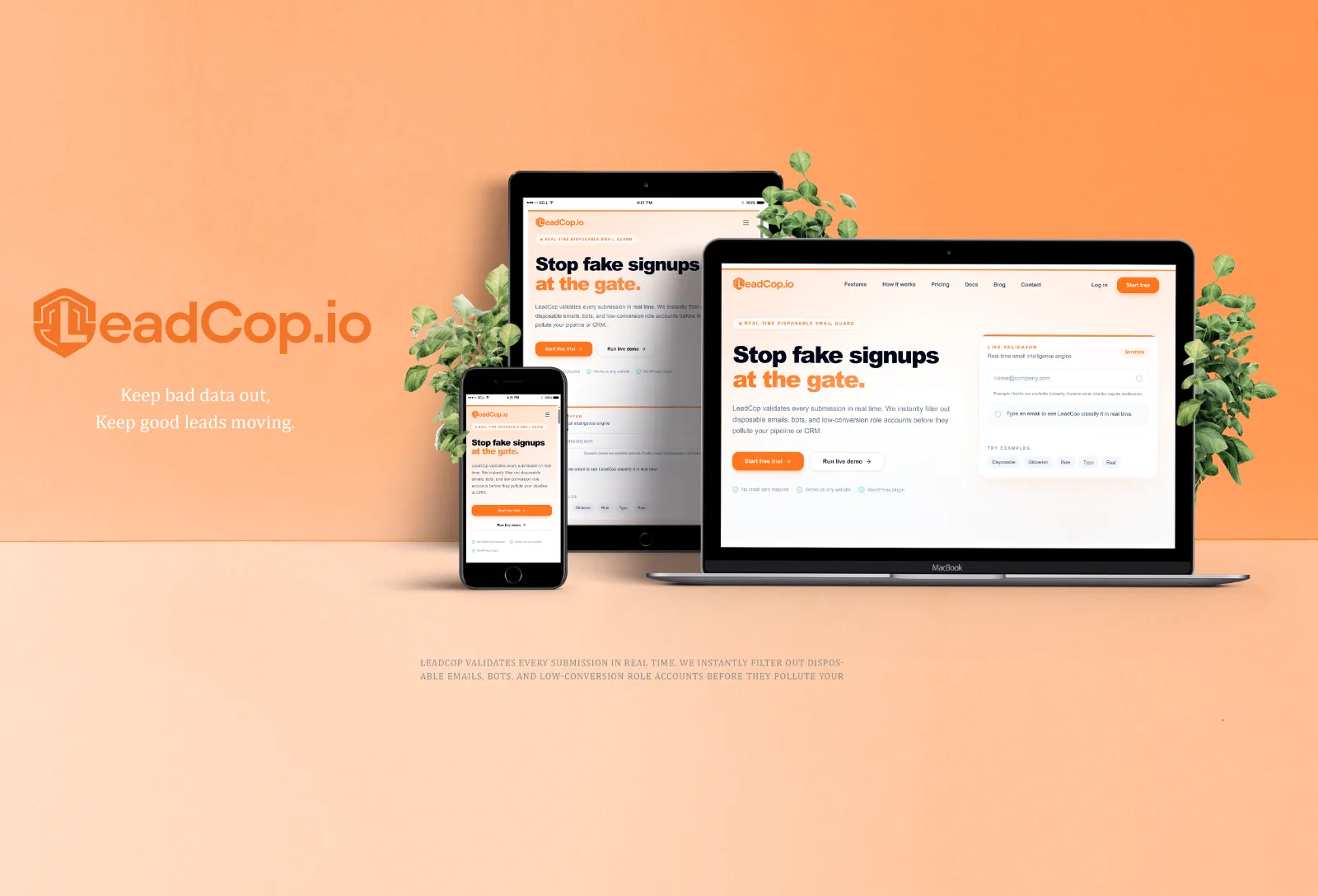
We recommend LeadCop Disposable Email Checker, a powerful and lightweight free tool designed specifically to block temporary emails, role accounts, and invalid domains at the point of entry. Instead of relying on a static list, it connects securely to LeadCop’s real-time API to run fast validation checks.
Why choose LeadCop?
100% Free Tier: Get started at no cost.
Real-Time Database Sync: Automatically tracks thousands of active disposable domains.
Granular Rule Engine: Choose whether to block or warn users for different email types (disposable, role accounts, free email domains, and gibberish).
Blocked TLDs Suffix List: Block specific domain extensions (like
.xyz,.top,.ru) locally and instantly.Custom Error Messages: Customize the exact inline warning shown to users.
Step-by-Step Guide to Setting Up LeadCop:
Log in to your WordPress dashboard.
Navigate to Plugins > Add New.
Search for LeadCop Disposable Email Checker in the search bar.
Click Install Now and then Activate.
Go to the new LeadCop menu in your WordPress admin sidebar.
The onboarding wizard will guide you to enter your API Key (obtainable for free by signing up at leadcop.io).
Toggle on your validation rules (e.g., block disposable emails, flag role-based accounts, or restrict free consumer emails if you run a B2B business).
Enable the specific integrations for your site under the Integrations tab and save your changes.
Method 2: Adding a Validation Script (No Plugin)
If you prefer not to install a full plugin but still want LeadCop's real-time database protection, you can query the LeadCop API directly using a custom code snippet in your theme's functions.php file or via a code snippets plugin.
Unlike hardcoded lists which go out of date within 24 hours, this script queries LeadCop's endpoint (/api/check-email) securely:
<!-- Paste just before </body> -->
<script
  src="https://leadcop.io/leadcop-email-validator.js"
  data-api-key="YOUR_API_KEY">
</script>
Tip: If you do have the LeadCop plugin installed and want to run manual checks in custom forms, you can skip the API call and use the built-in helper function directly: leadcop_validate_email( $email ).
Form & Checkout Protection Overview
LeadCop integrates natively across your entire WordPress stack so you don't need separate tools for your registration pages, checkouts, and contact forms.
Integration | Supported by LeadCop? | What Happens When Blocked |
|---|---|---|
WordPress Registration | Yes | Blocks user signup; shows inline register error. |
WordPress Comments | Yes | Rejects comment submission from disposable accounts. |
WooCommerce Checkout | Yes | Prevents fake customer/order creation during checkout. |
Contact Form 7 | Yes | Blocks form submission; prompts for a valid email. |
WPForms (Lite & Pro) | Yes | Stops processing and returns an inline error warning. |
Elementor Pro Forms | Yes | Rejects submissions before they write to the database. |
Gravity Forms | Yes | Performs server-side field verification upon submit. |
Ninja / Fluent / Formidable | Yes | Native triggers halt submissions seamlessly. |
Testing That Disposable Emails Are Actually Blocked
Never assume a security measure works until you test it. Follow these steps to verify your LeadCop protection is live:
Open an incognito browser window (to ensure you are logged out and not bypassed as a WordPress Administrator).
Go to one of your protected forms (such as your registration page, WooCommerce checkout, or contact form).
Visit a temporary email generator site (like
MailinatororGuerrilla Mail) and copy a burner address.Enter the burner email address into your form and click submit.
Expected Result: The form should fail to submit, and display the LeadCop error message (e.g., "This email address is not allowed.").
Try submitting the form again with your legitimate email address (such as a personal Gmail account) to ensure real users pass through seamlessly.
FAQs
What is a disposable email address?
A disposable email address (DEA) is a temporary, self-destructing inbox that users create instantly without registering. People use them to bypass sign-up walls while protecting their primary inbox from spam.
Can I block temporary emails in WordPress for free?
Yes! You can block them completely for free by using the LeadCop Disposable Email Checker plugin, which provides real-time API lookups for free.
Will this block real customers by mistake?
No. LeadCop’s algorithm specifically targets verified temporary email providers, role-based aliases, or invalid TLDs. It will never block legitimate personal domains (Gmail, Outlook, Yahoo) or custom corporate business domains unless you explicitly tell it to do so in your settings.
What happens if the LeadCop API is unreachable?
By default, the LeadCop plugin is designed to fail open. If your server runs into a network timeout connecting to the API, the form submission is automatically allowed through. This ensures your core website functionality and checkout process are never interrupted.
Does checking email addresses slow down my forms?
No. Validation queries are optimized to complete in under 200ms. In addition, the plugin utilizes transient caching to remember validation results for 24 hours, ensuring returning users or multi-step checkout pages load instantly without making repeat API calls.
Conclusion: Stop Fake Signups Today
Leaving your signup sheets and checkouts unprotected is an open invitation to spam bots, fake leads, and skewed marketing metrics. By taking five minutes to install the LeadCop plugin, you can ensure that every lead, customer, and subscriber you acquire is a real person.
Ready to clean up your email lists? Get the LeadCop plugin today and protect your WordPress site from disposable email spam once and for all!